Image
AI wallpaper generator
Browse AI-made landscapes and scenery from the E-Labs gallery for ideas, then describe your own and make it with an image model. The price shows before you start.
Reading this page is free. Every generation shows its price before you start. See pricing.
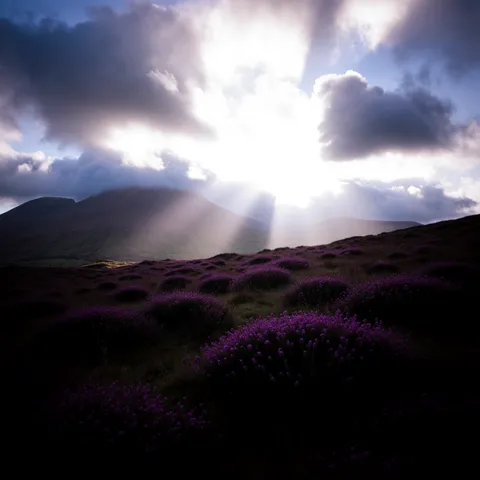
Wallpaper ideas from the gallery
Every picture below was made with E-Labs image models and is open in the public gallery. Open one to see it larger, then use it as a starting point for your own prompt.
- Heather Moor Under Sunbeams Through Clouds
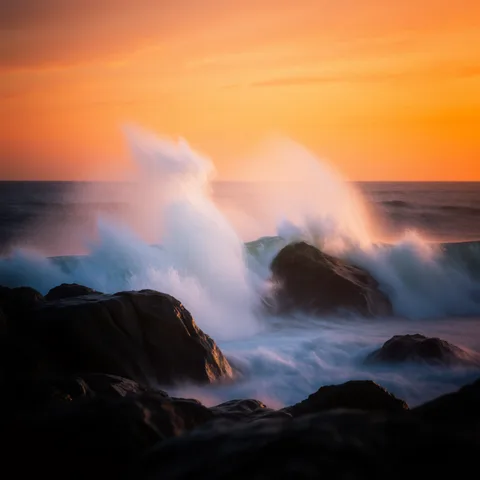
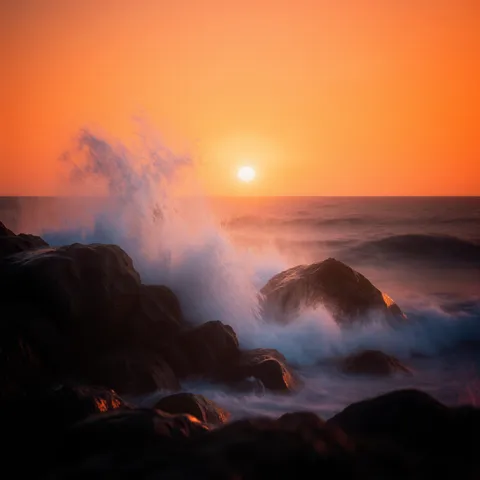 Golden Sunset Surf Against Dark Rocks
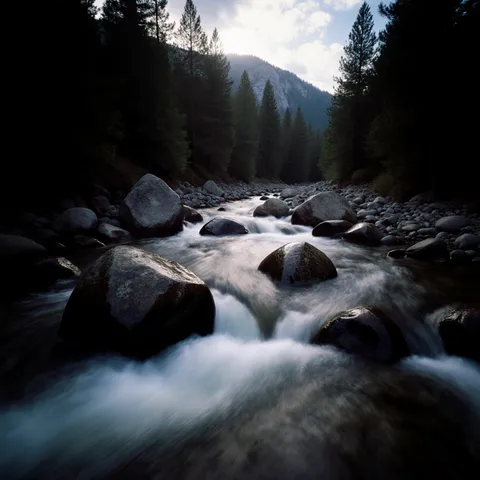 Rushing Mountain River Over Dark Boulders Long Exposure
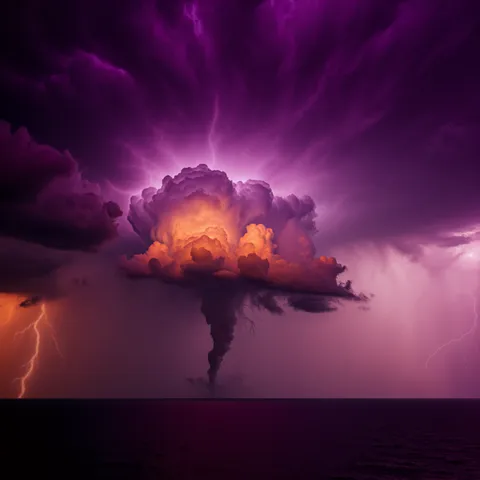 Violet Storm Cloud Over a Dark Sea
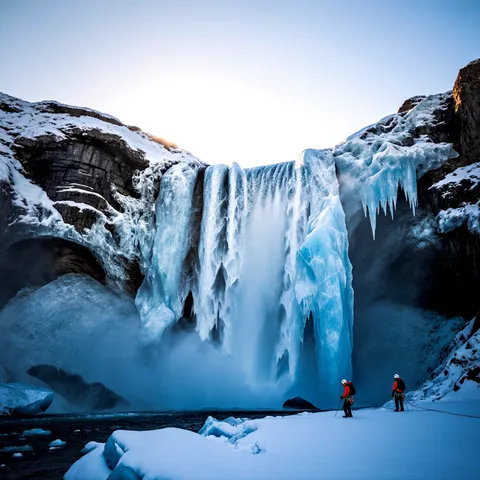 Climbers Beside a Frozen Blue Waterfall
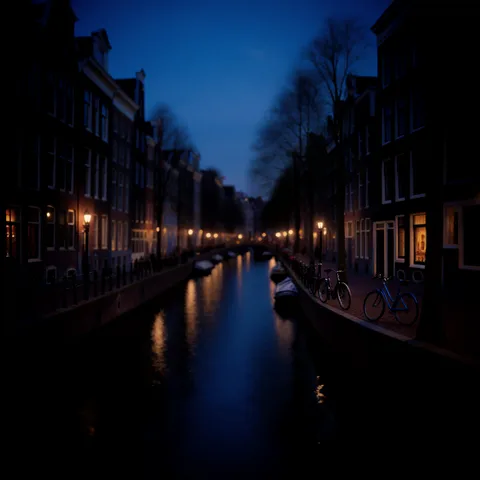 Dusky Amsterdam Canal With Parked Bicycles
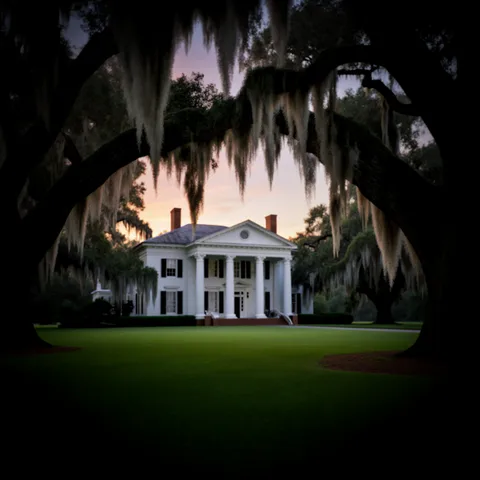 White Columned Mansion Framed by Spanish Moss Oak Trees
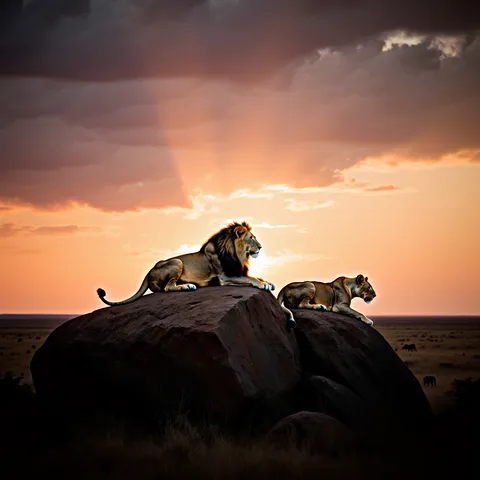 Lions resting on boulders in savanna at sunset
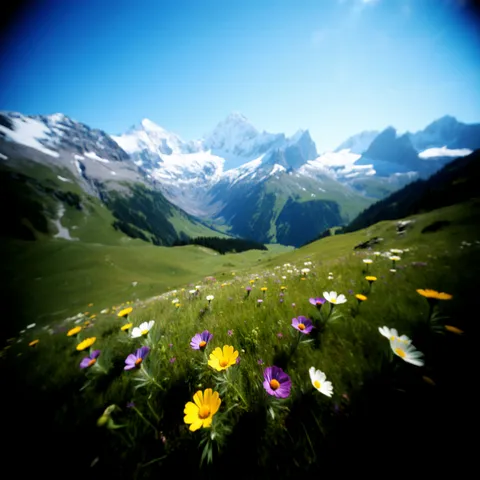 Alpine meadow with wildflowers and snowy peaks view
 Billowing Pink Cloud Lit From Below
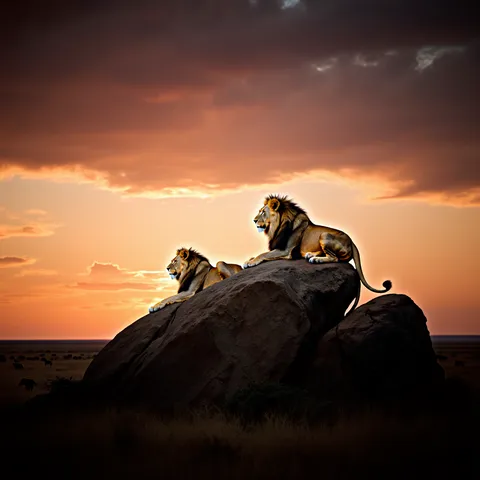 Lions Resting on a Rock at Sunset
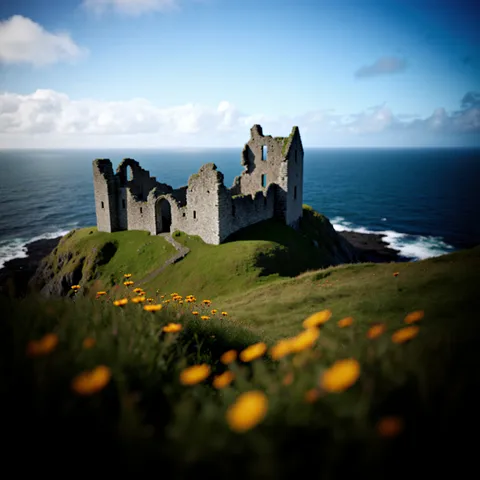 Ruined Clifftop Castle Above Yellow Flowers
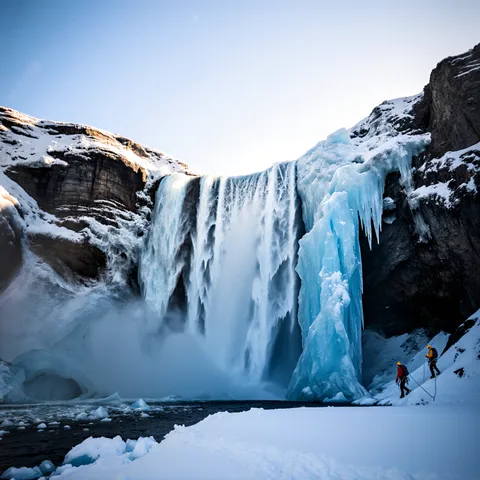 Climbers at the Foot of Icy Falls
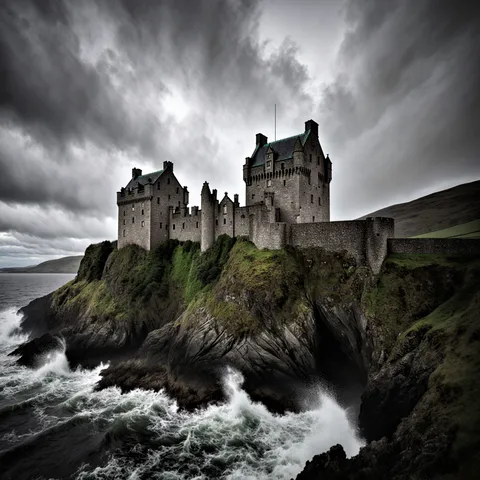 Dark Stormy Castle on a Sea Cliff
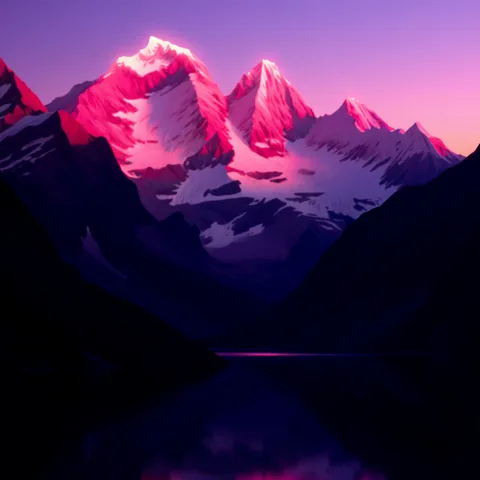 Misty river winding through deep forest canyon landscape
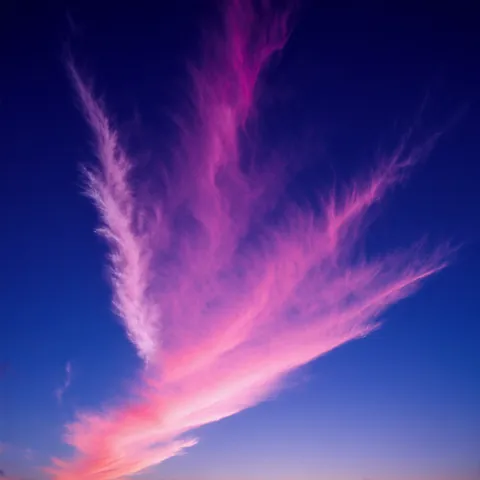 Pink and Magenta Wispy Clouds in Deep Blue Twilight Sky
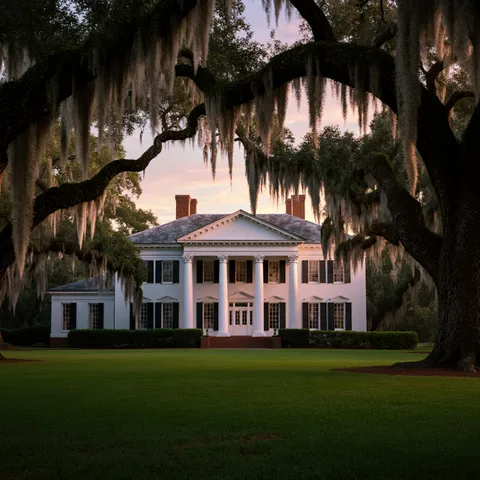 Columned Plantation House Under Spanish Moss
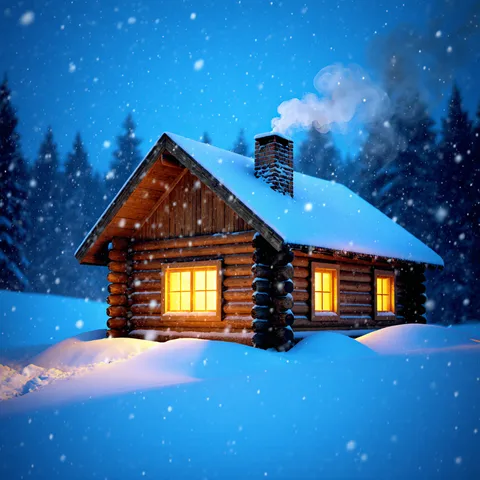 Lone Tree Under a Storm Over Golden Grass
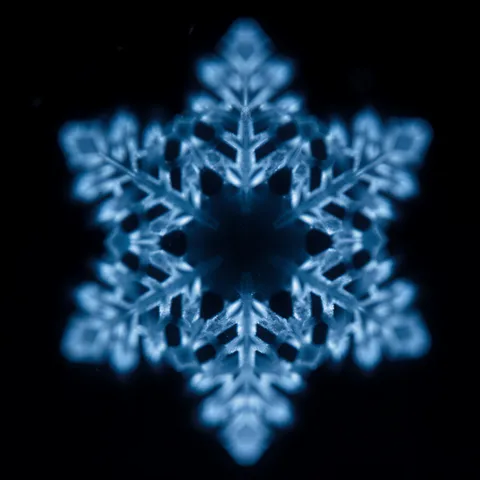 Blue Translucent Snowflake Crystal on Black Background, Macro
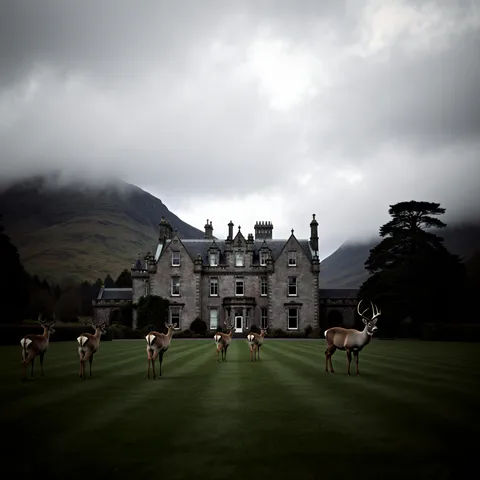 Herd of Deer on Green Lawn Before Scottish Stone Manor
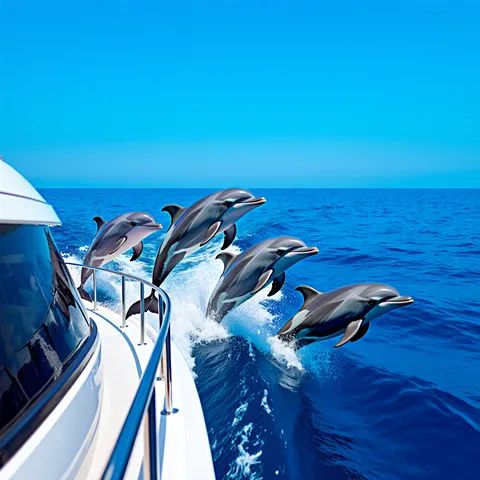 Four Dolphins Leaping From Blue Ocean Beside White Boat Bow
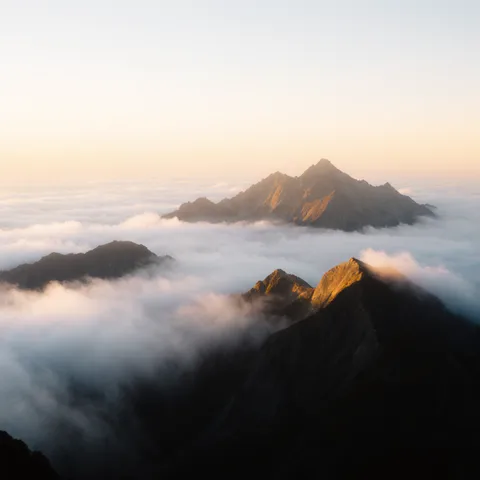 Peaks Rising Above a Sea of Clouds
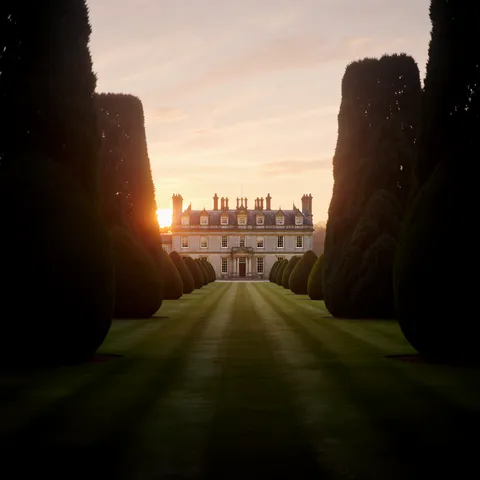 Clipped Yew Avenue Leading to a Mansion
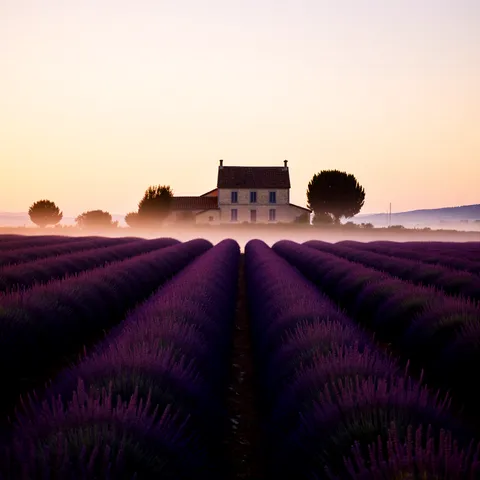 Misty Purple Lavender Field and Stone Farmhouse at Dawn
Describe your own
- Open Create image. The button opens Studio on the image tool. Sign in if asked.
- Describe the scene. Name the place, the time of day, the weather and the colours, for example a mountain lake at dawn with mist on the water.
- Choose a model and shape. Each image model lists the sizes and aspect ratios it supports. Pick a wide shape for a desktop screen or a tall shape for a phone.
- Check the price and generate. The price shows before you start. Results save to your private Gallery, where you can download them.
Sizes and models
Image models differ in the sizes they make. Nano Banana lists 1K, 2K and 4K sizes on its main versions, and other image models list their own. Pick the size on the model's settings before you generate.
Browse more scenery by subject: AI art topics, or see how the image tool works on the AI image generator page.
Keep going
Make a wallpaper of your own
Make a wallpaperQuestions
How do I make an AI wallpaper?
Open the image tool in Studio, describe the scene, pick a model and a shape, check the price and generate. Download the result from your Gallery.
What size will my wallpaper be?
It depends on the model. Each model lists the sizes and aspect ratios it supports in its settings, and some models offer 2K or 4K.
Can I make a wallpaper for my phone?
Choose a tall aspect ratio on a model that offers one. The settings for each model show the ratios it supports.
Are the pictures on this page AI-generated?
Yes. They are public images from the E-Labs gallery, made with E-Labs image models.
What does it cost?
Reading pages is free. The price for your settings shows before you start, and nothing is charged until you press generate. See pricing.
Where are my images saved?
Privately in your account until you choose to publish them.