Image
AI image generator from text
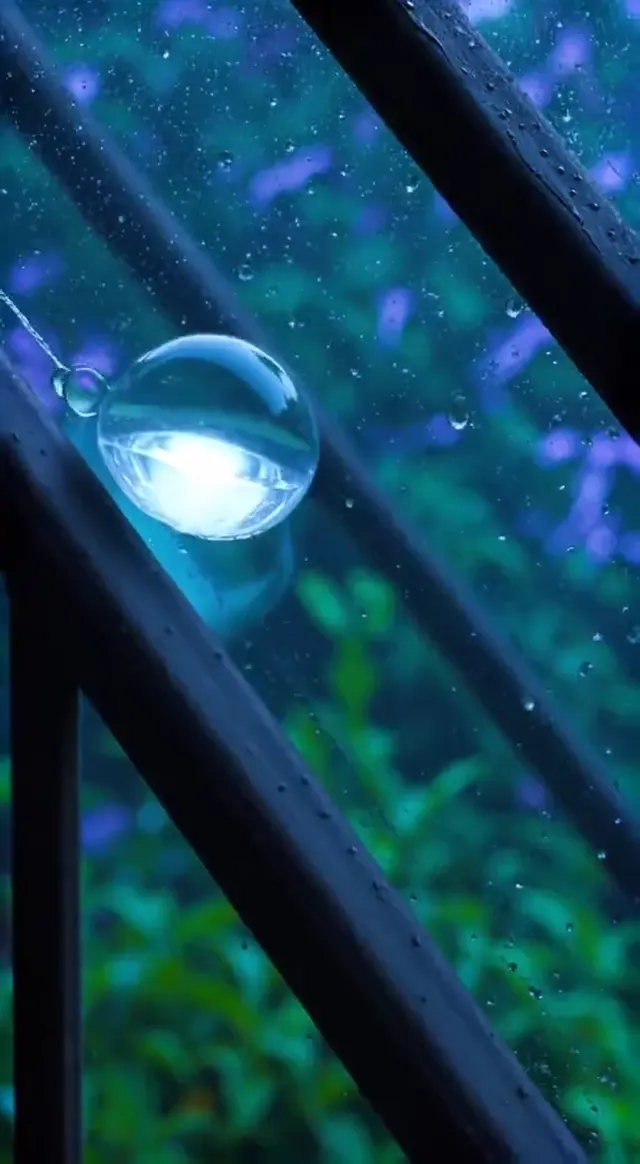
Describe the picture you want, pick an image model, and add reference images on models that accept them. Each generation shows its price before you start, and results save to your private gallery.
Reading this page is free. Every generation shows its price before you start.
Trending presets
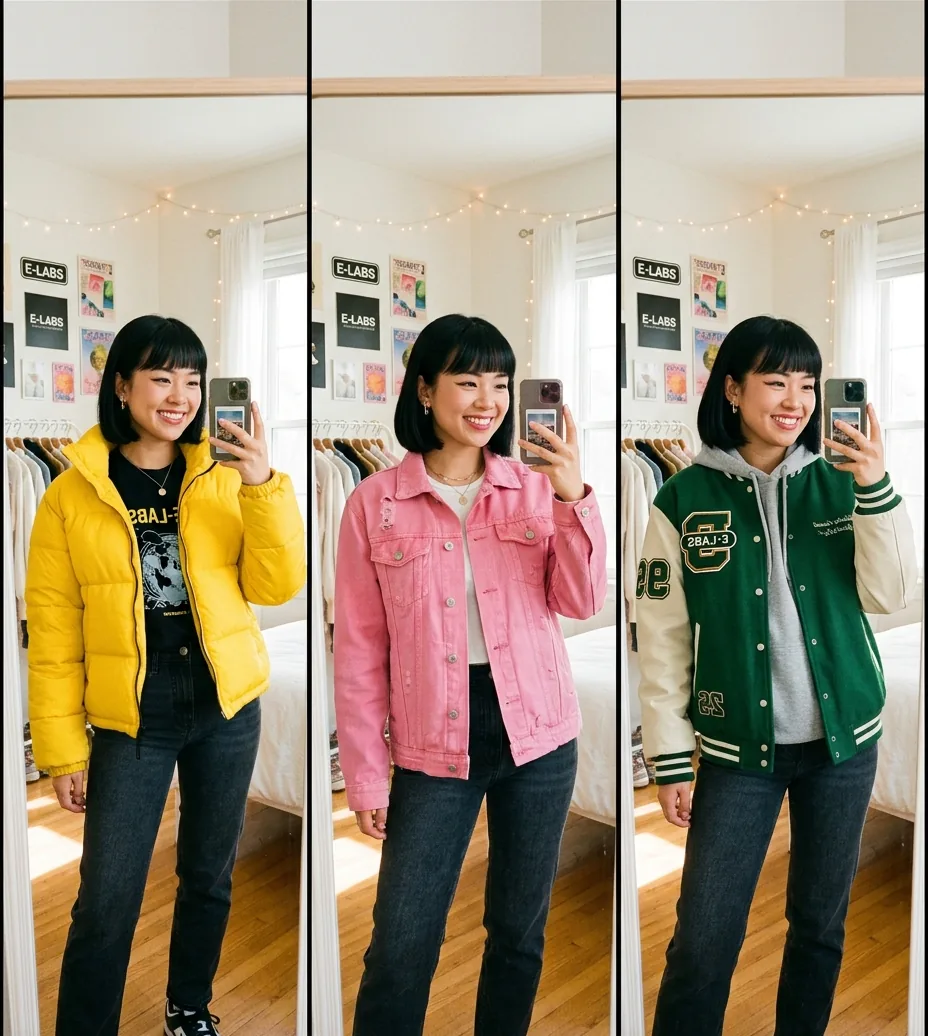
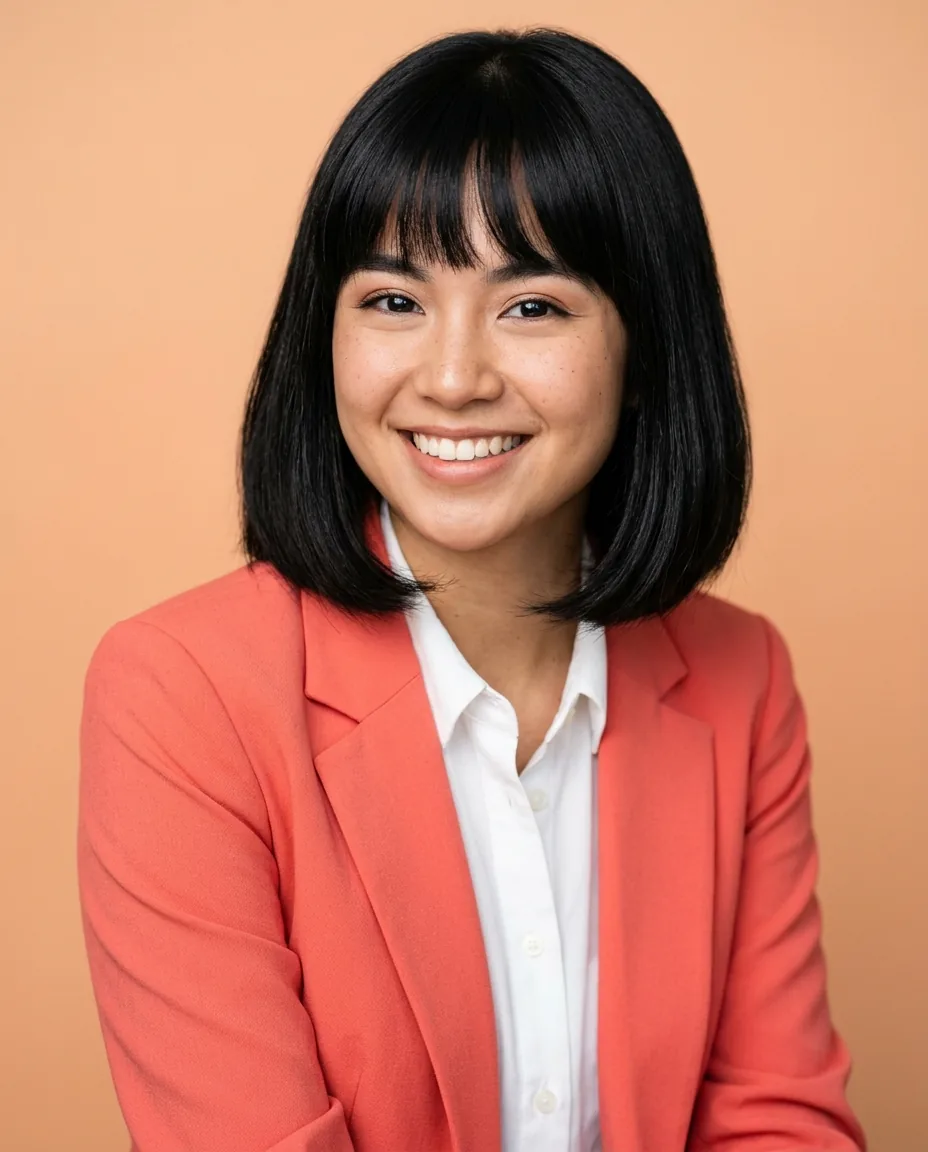
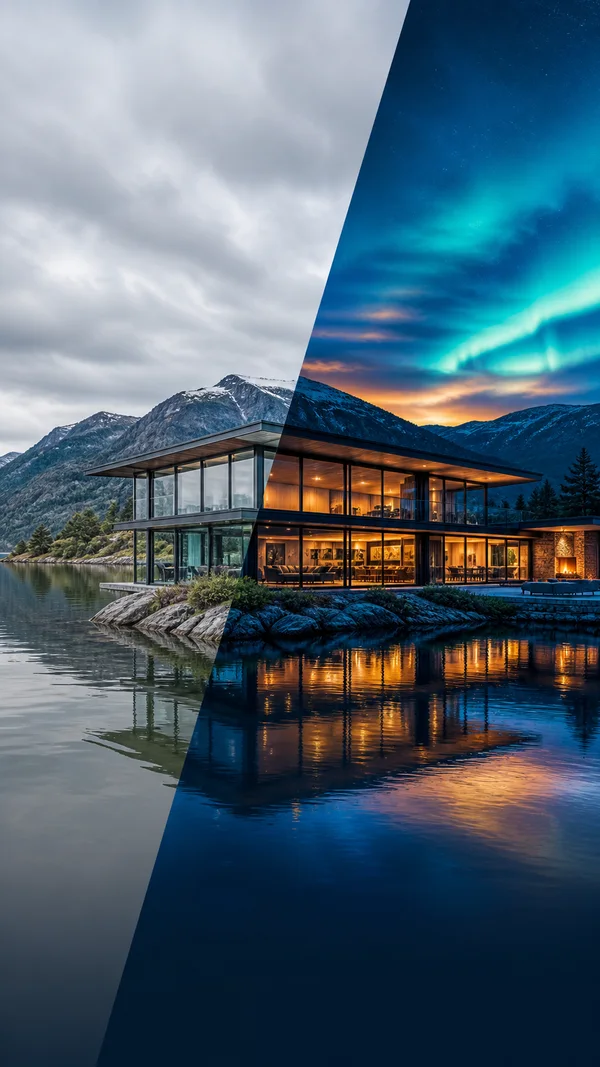
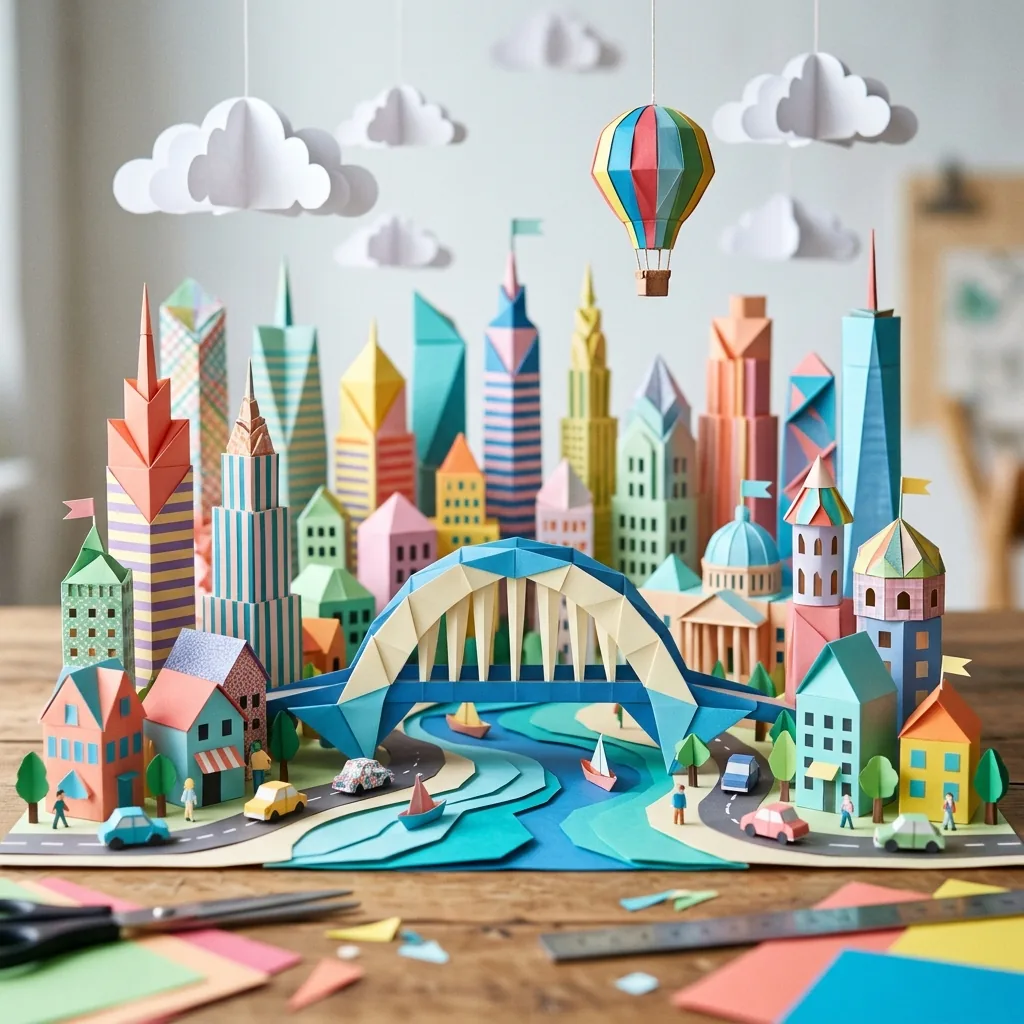
Original E-Labs presets. Pick one and Studio opens with it; nothing runs until you press Generate.
 Image
 Image
 Image
 Image
 Image
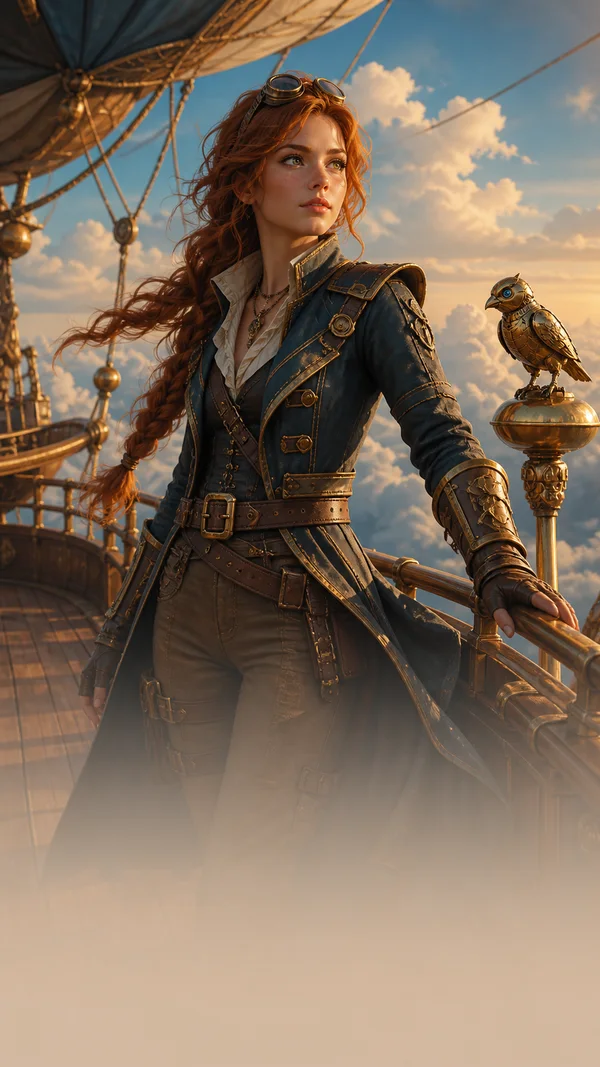
Skyship Captain
A copper-haired skyship captain and her small mechanical bird…
AvailableUse preset Skyship Captain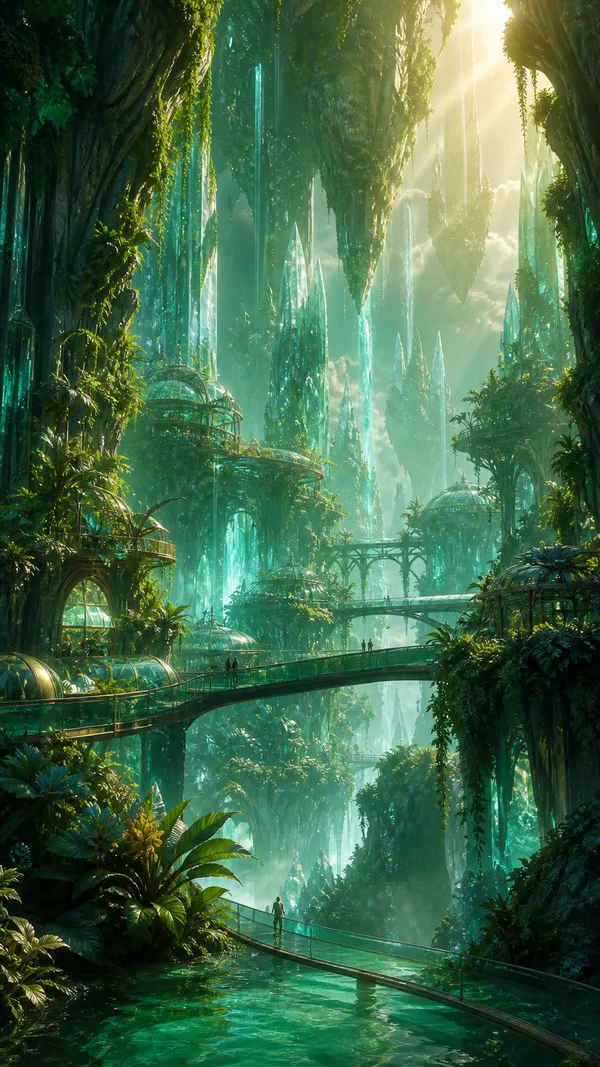 Image
Crystal Garden City
An immense botanical city grows inside a crystal canyon,…
AvailableUse preset Crystal Garden City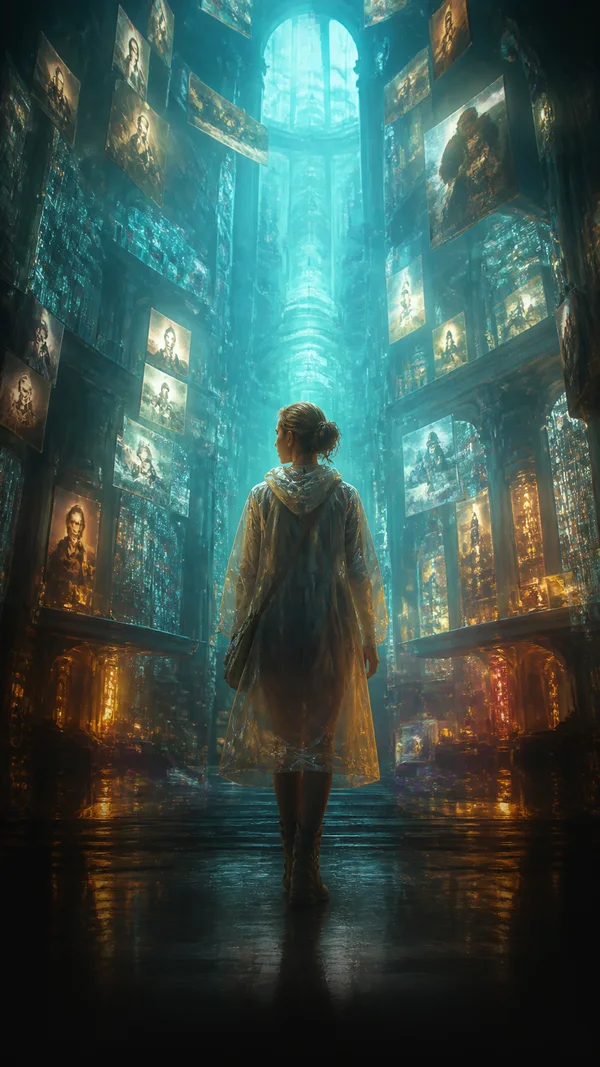 Image
Memory Archive
A lone explorer in a translucent raincoat enters a colossal…
AvailableUse preset Memory Archive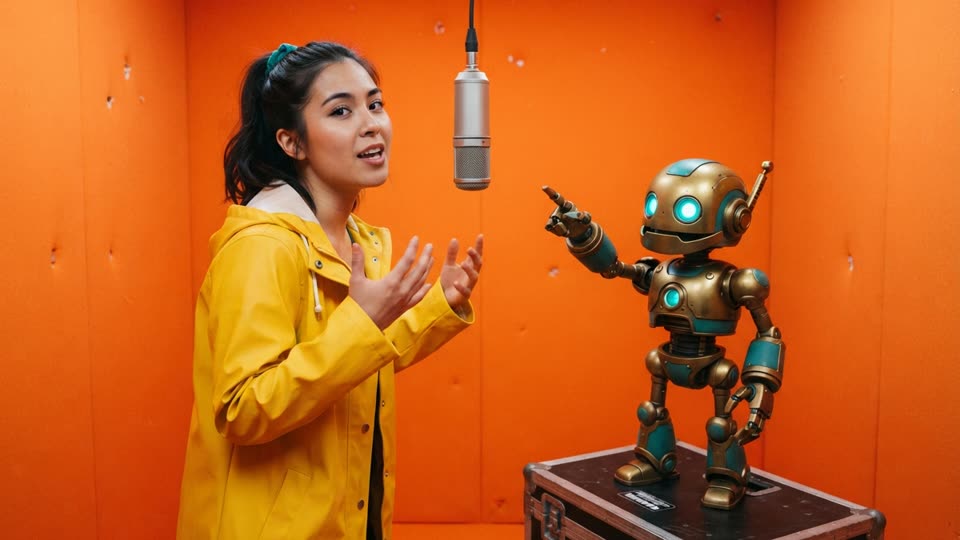 Image
Booth Battle: the booth photo
Step 1: put your two characters in one orange booth.
How it works in E-Labs
References
Attach your own images on reference-capable models.
Edit a photo
Restyle, relight or recolour an image in Studio Edit.
Three steps
- Step 1
Open Studio
The button above opens the right tool. Sign in if asked.
- Step 2
Describe and choose
Write the prompt, add references and pick a model. The price is shown.
- Step 3
Make and share
Results save to your private Gallery. Download them or publish to AuroFlix.
Questions
What does it cost?
Reading pages and planning are free. Each generation shows its price first and nothing is charged until you start.
Do I need an account?
You can read this page signed out. Making anything needs a signed-in E-Labs account with balance.
Who owns the results?
Your results are saved privately to your account until you choose to publish them.
Which image models are available?
Nano Banana, GPT Image, Seedream, Qwen Image, Recraft and FLUX, among others. See all models for their versions and sizes.
Can I use reference images?
Yes, on models that accept them. Attach your own images with your prompt and the model uses them as references.