Director mode
UGC-Style Ad Maker Partly available
Plan a creator-style product clip in Director: a presenter character, your product as a reference and a spoken voice line on each shot.
Reading this page is free. Every generation shows its price before you start.
Trending presets
Original E-Labs presets. Pick one and Studio opens with it; nothing runs until you press Generate.
 Video
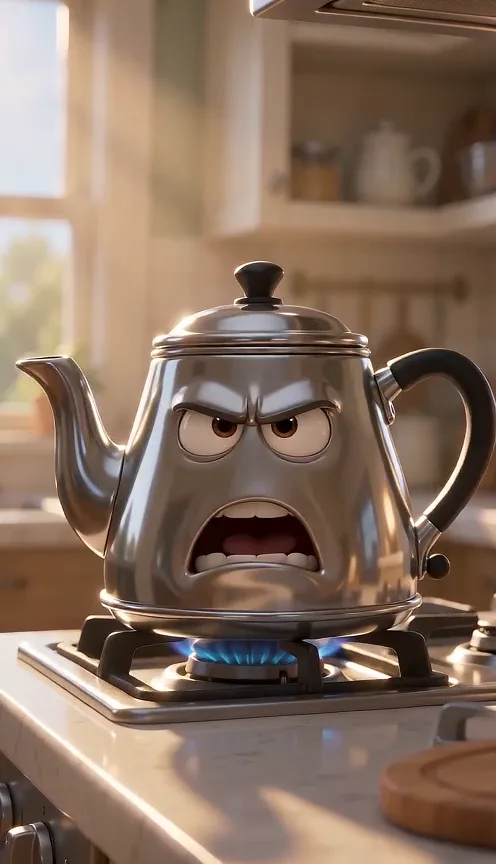
Grumpy Kettle 'Brewster'
Product speaks to camera as a cartoon mascot
AvailableUse preset Grumpy Kettle 'Brewster'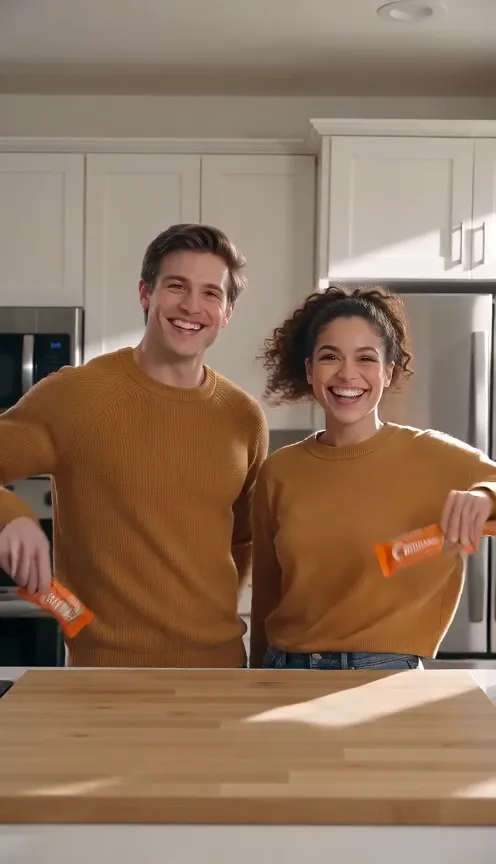 Video
Office Fridge Mystery
20-30 s soap-style twist ending on the product
AvailableUse preset Office Fridge Mystery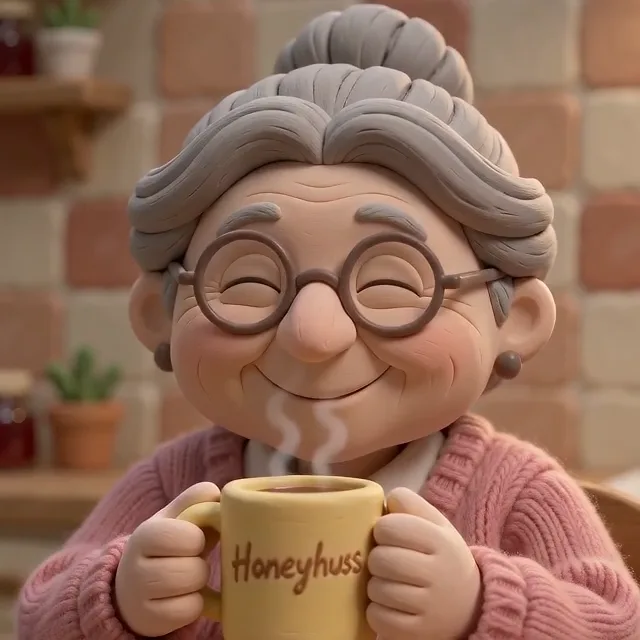 Video
 Video
How it works in E-Labs
Presenter as a character
Build the presenter once as a character Element and reuse them across ads.
Try itYour product in frame
Attach product photos as references on models that accept them.
Voice line per shot
Write the line, pick a voice, see the price. Assemble lays it on the right shot.
Three steps
- Step 1
Open Studio
The button above opens the right tool. Sign in if asked.
- Step 2
Describe and choose
Write the prompt, add references and pick a model. The price is shown.
- Step 3
Make and share
Results save to your private Gallery. Download them or publish to AuroFlix.
Questions
What does it cost?
Reading pages and planning are free. Each generation shows its price first and nothing is charged until you start.
Do I need an account?
You can read this page signed out. Making anything needs a signed-in E-Labs account with balance.
When will it be ready?
No date is promised. This page will change when the feature is available.