E-Labs Director
AI Music Video Maker
Bring a song or make one in Studio. Director cuts it into sections on the beat, plans one scene per section with your cast, then assembles every clip with the song and any voice lines. It works as an AI music video generator that follows your song section by section.
Free to plan. Every scene and song shows its price before you start.
Why make it in Director
Scenes on the beat
Sections follow the song's beat and energy changes, so each cut lands with the music.
One cast, every scene
Add up to four cast members once; Director keeps them in every shot of the plan.
One finished cut
Assemble joins the clips in plan order with the song as music and voice lines on their shots.
Trending presets
Original E-Labs presets. Pick one and Studio opens with it; nothing runs until you press Generate.
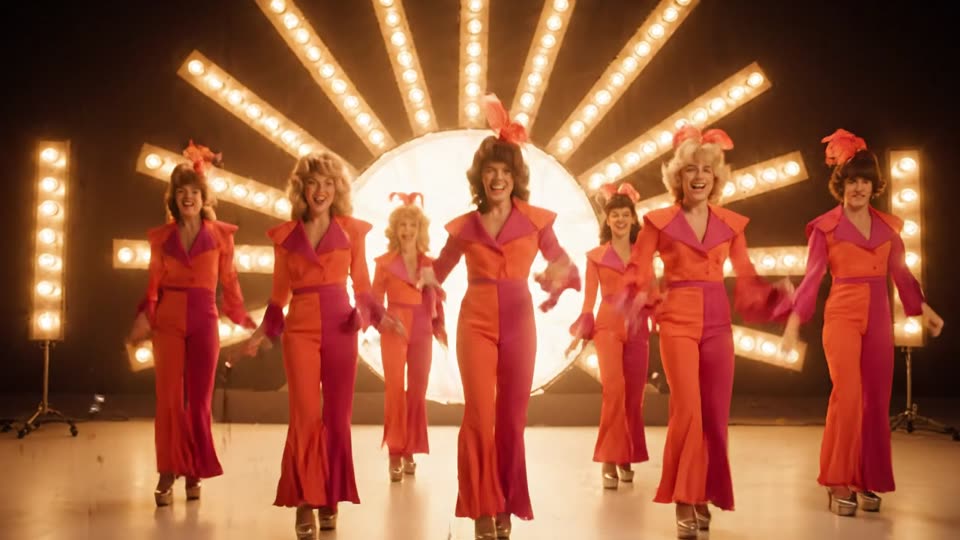 Video
 Video
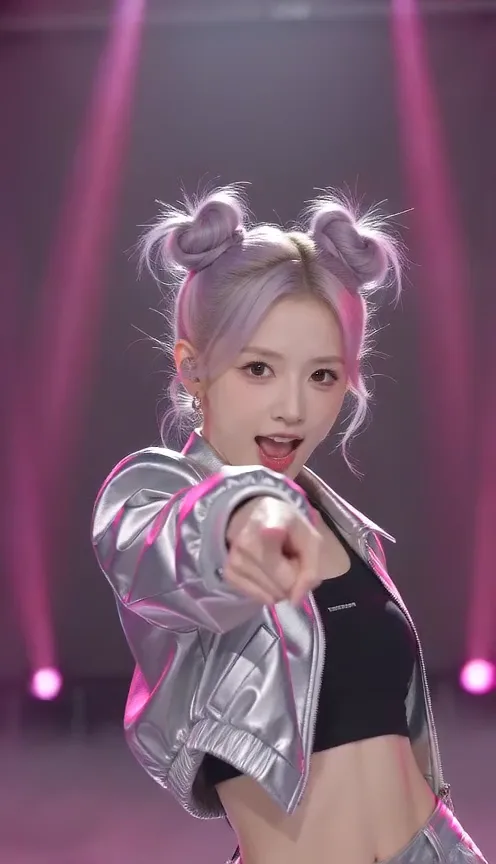 Video
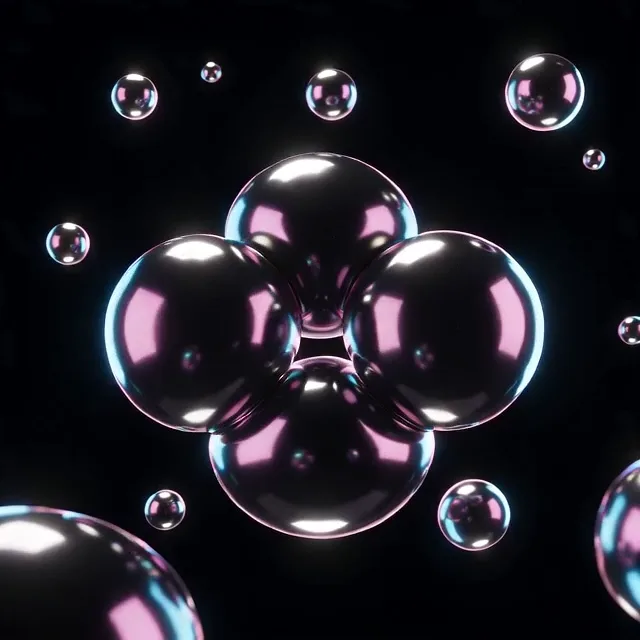 Video
How Director builds a music video
Start from your own song
Upload a song to a Studio project, then choose Make a music video from this song. The song stays private to your account.
Try itOr make the song in Studio
Studio Music makes a song with Google Lyria or ByteDance Seed Audio (up to 120 seconds). Describe the mood and genre in the prompt; the price is shown first.
Open Studio MusicBeat-aware sections
Director reads the beat and loudness in your browser and gives each section one shot sized to the model's real clip length. If the beat is unsteady it splits evenly and tells you.
Assemble with music and voice
Assemble is free: clips in plan order, real clip lengths, voice lines on their shots and the song underneath. Download the cut or publish it to AuroFlix.
Three steps
- Step 1
Bring a song
Upload your track or make one in Studio Music.
- Step 2
Plan on the beat
Describe the video and cast; Director drafts one scene per section with prices.
- Step 3
Make and assemble
Make the scenes you approve, then assemble the cut with your song.
Made for
Independent artists
A video for a single without a shoot.
Creators
Vertical or wide cuts for Shorts and AuroFlix.
Labels and brands
Fast visual drafts for a release or a jingle.
Questions
Can I use my own song?
Yes. Upload an MP3, M4A, WAV or WebM song to a Studio project, then choose Make a music video from this song. Make sure you hold the rights to the song.
Can E-Labs make the song too?
Yes. Studio Music can make a song with Google Lyria or ByteDance Seed Audio; the price is shown before you start.
How are scenes timed?
Director detects the song's beat and loudness changes in your browser and gives each section one shot. If the beat is not steady it splits the song evenly and says so.
What does it cost?
Planning and assembling are free. Each scene, voice line and song shows its price before you make it, and nothing is charged until you start.
Do I need an account?
You can read this page and preview the example clips signed out. Watching AuroFlix music videos needs a free sign-in, and making scenes and songs needs a signed-in E-Labs account with balance.