Video
Text to video with AI
Describe a shot in a sentence or two, choose a video model, and E-Labs makes the clip. You see the price before you start, and the result is saved to your private gallery.
Reading this page is free. Every generation shows its price before you start. See pricing.
Write the shot, not the whole film
A good prompt names one subject, one action and one setting, then says how the camera moves and what the light and colours feel like. The City Sprint clip beside this text came from a prompt in that shape:
A runner sprints straight toward camera down a rain-slick neon street at night, splashes kicking up, signs reflecting in puddles. Low tracking shot pulling back, cinematic motion blur, teal and red, 16:9.
Keep one scene per prompt. If you want a story with several shots and the same cast, use Director for short films instead.
Four steps
- Open Create video. The button opens Studio on the text-to-video tool. Sign in if asked.
- Describe the shot. Write what is in the frame, what moves, and how the camera behaves.
- Choose model, length and size. Each model lists the lengths, sizes and aspect ratios it supports in its settings.
- Check the price and generate. The price shows before you start. Results save to your private Gallery.
Pick a video model
Several model families are available, and each page lists its versions, lengths and sizes:
- Veo 3.1 (clips up to 8 seconds, optional sound)
- Wan (up to 30 seconds)
- Seedance
- Hailuo
- Grok Imagine
Shorter clips cost less than longer ones, so start short while you find a look. The exact price for your settings shows in Studio first.
Wide clips from text prompts
Each card is a real preset result. Hover or tap to play, and open the preset to use its prompt as a starting point.
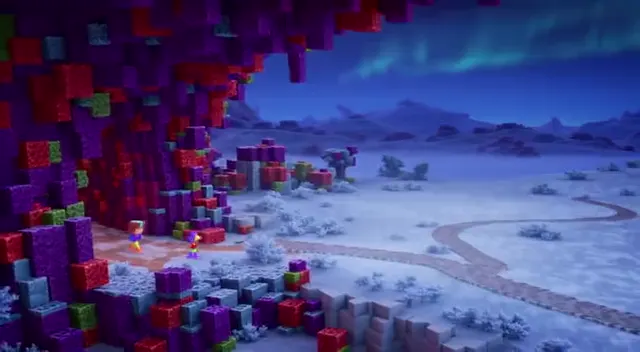 Video
Voxel Run
A snowy landscape dissolves into colourful voxel cubes under an aurora.
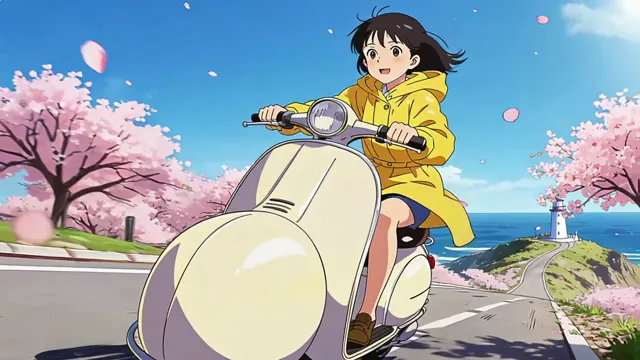 Video
Spring Scooter Anime
Hand-drawn anime scene: a girl on a scooter along a blossom-lined coast road.
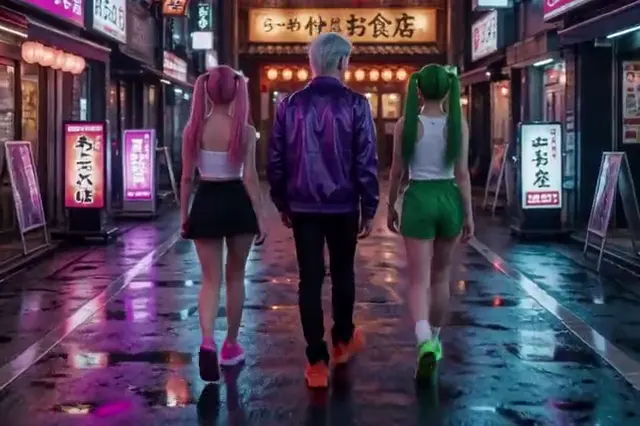 Video
Vertical clips for phones
Vertical 9:16 results keep their own shape here.
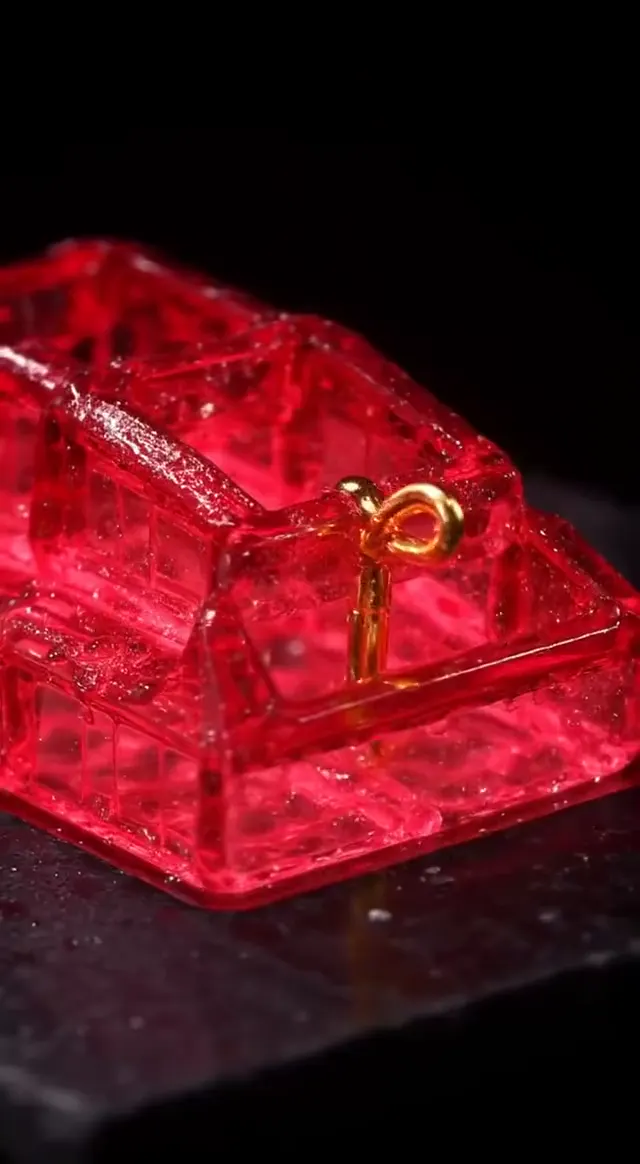 Video
Ruby Glass
Luxury product macro: a ruby-red glass box rotating on black velvet.
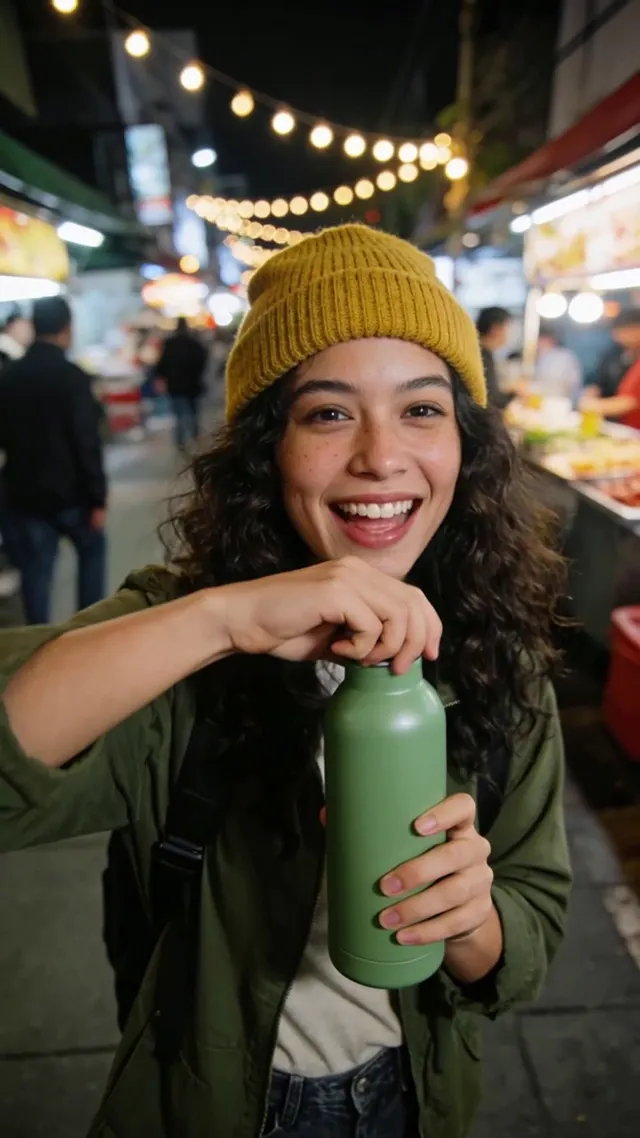 Video
Night Market Unboxing
Handheld creator-style clip at a busy night market.
Keep going
Turn a sentence into a clip
Create a video from textQuestions
How do I make a video from text?
Open the text-to-video tool in Studio, describe the shot, choose a model, length and size, check the price and press generate.
How long can the video be?
It depends on the model. Veo 3.1 makes clips up to 8 seconds, and Wan can make clips up to 30 seconds. Each model page lists its lengths.
Can the video have sound?
On models that support it. Veo 3.1 offers sound as an option; the setting appears in Studio for models that have it.
What shapes can I choose?
Each model shows the aspect ratios and sizes it supports in its settings, for example vertical 9:16 or wide 16:9.
What does it cost?
Reading pages is free. The price for your exact settings shows before you start, and nothing is charged until you press generate. See pricing.
Where do my videos go?
They are saved privately to your account. You can download them or publish to AuroFlix when you choose.