Video
Make a photo dance with AI
Start with one picture of a character, pick a dance move, and get a short video of that character performing it. No filming and no editing, and the price shows before anything runs.
Reading this page is free. Every generation shows its price before you start. See pricing.
What happens to your picture
Dance Motion reads the moves from a guide video, like the one beside this text, and your character follows their style and timing. The result is a brand-new video, so details can differ from the guide.
It makes a short silent video. If you want to keep the sound of a clip you already have, use Character Swap instead.
A good starting picture
Pick a picture where the whole body shows and the pose is easy to read. Illustrated and stylised characters have worked reliably. For group routines, give every dancer a different outfit so each figure is easy to tell apart.
Four steps from picture to video
- Open Dance Motion. The button on this page opens Studio on the move library. Sign in if asked.
- Choose your picture. Upload a clear picture of your character, or use Create your character inside the Dance Motion panel.
- Pick a move. Choose a library move of 2 to 8 seconds, or give the panel a clip of your own to use as the guide.
- Check the price and make it. The price shows on the button before you start. Your video is saved to your private Gallery.
Dance moves to try
Each card is a real result made from one character picture. Hover or tap a card to play it.
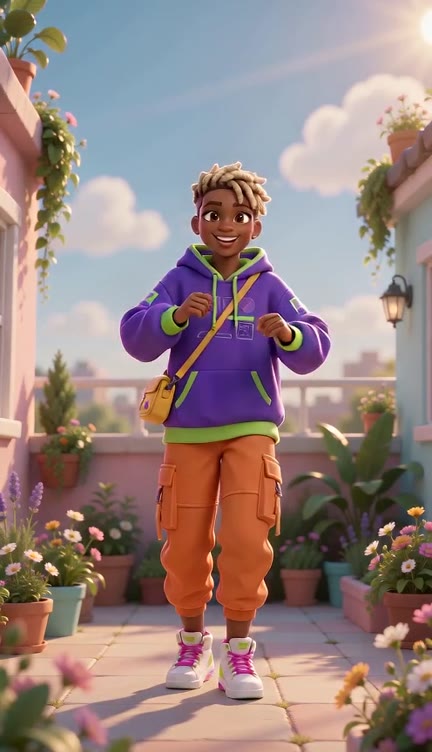 Video
Arm-swing sway
Standing groove: arms swing across the body, open wide, then a small rise. (2 s move)
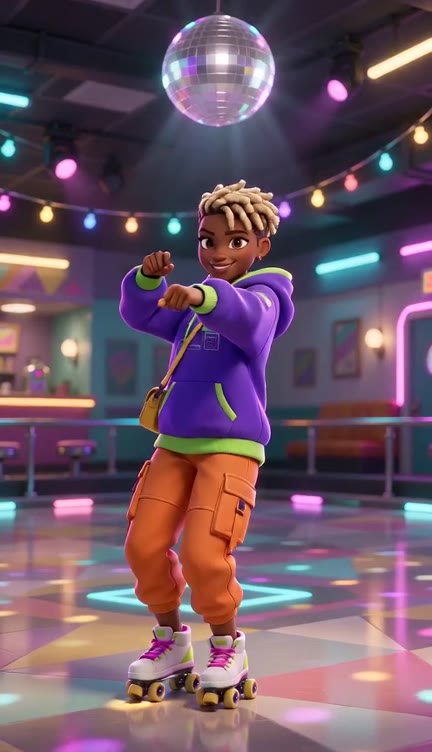 Video
Point & cross-step
Arm extended in a long point, lunge, wave, legs cross-step while pointing again. (4 s move)
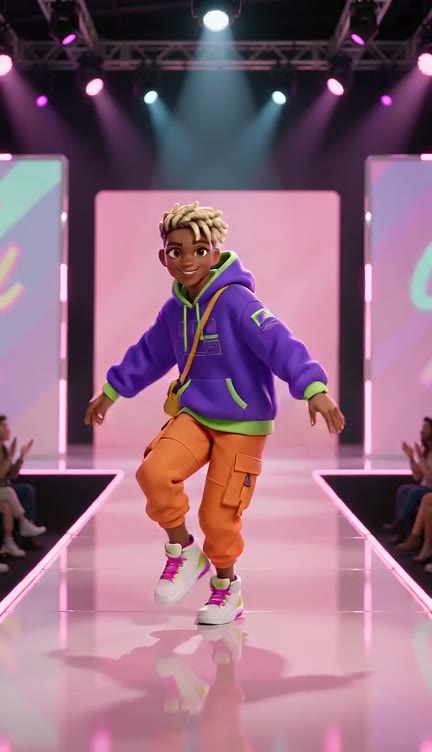 Video
Open arms + quarter turn
Arms open wide twice, knee hooks in, body turns side-on, cross-step back to front. (3 s move)
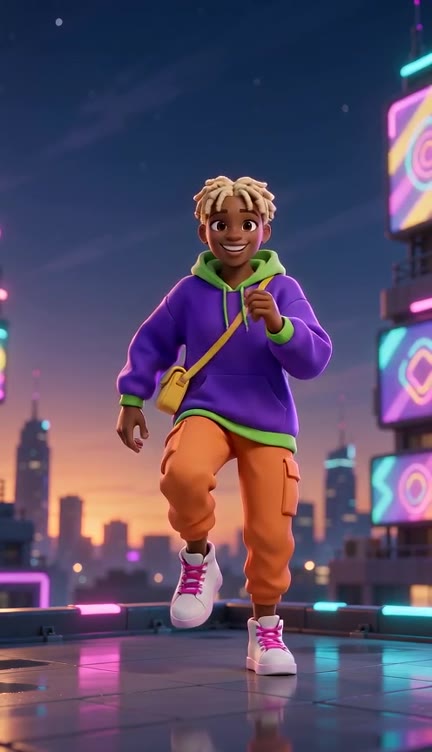 Video
Jersey knee-pop
Bouncy knee pops, arms pumping, ending with arms out. (4 s move)
Group routines and K-pop formations
For a crew, choose a group formation, then give it one picture with that many characters standing where the figures are. Everyone dances their own figure. The Crew Drop preset shows a seven-dancer example, and Holographic Dance shows a solo K-pop style routine.
More ways to animate
Make your character dance
Make a photo danceQuestions
How do I make a photo dance?
Open Dance Motion in Studio, upload a picture of your character, pick a dance move, check the price on the button and press it. Your video is saved to your private Gallery.
Does the dance copy the move exactly?
No. The move comes from a guide video and your character follows its style and timing. The result is a new video, so details can differ from the guide.
Does the video have sound?
No. Dance Motion makes a short silent video. To keep the sound of your own clip, use Character Swap.
Can I make a group dance from one picture?
Yes. Choose a group formation and give it one picture with that many characters standing where the figures are. Everyone dances their own figure.
Can I use a photo of a real person?
Not in Dance Motion. It works best with illustrated, 3D and stylised characters, and pictures of real people were declined in our tests. To put a real person into a clip, use Character Swap, which keeps the clip’s movement, background and sound and swaps in your picture.
What does it cost?
Reading pages is free. The price shows on the button before you start and nothing is charged until you press it. See pricing for how balance works.
Where does my video go?
Results are saved privately to your account until you choose to publish them. You can download them or publish to AuroFlix.