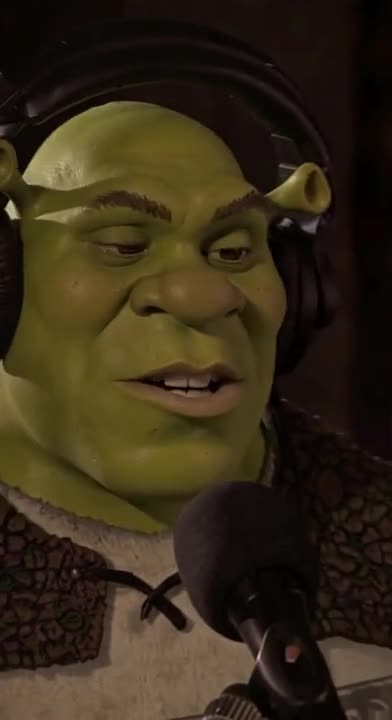
Character Swap
Keeps the clip’s movement, background and sound, and swaps who is in it.
- Your clip, your scene
- One or two people
- Original sound kept
Character Swap
Bring a short clip and a clear picture of the person or character to put in it. Character Swap keeps the clip’s movement, background and sound, and swaps who appears. It works with one person or two (Left and Right pictures).
Reading this page is free. Every generation shows its price before you start.
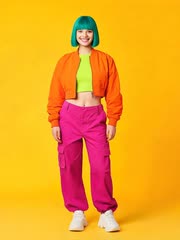
What you bring: one short clip and a clear picture of the person or character to put in it. Character Swap works with real people and with characters; it keeps the clip’s movement, background and sound.
56 ready-made characters. Pick one, then choose a clip below or open Character Swap with them.
Have your own video? Put your characters in it instead of a preset scene.
Use your own clipChoose a preset scene above, or use your own short clip (about 4, 10 or 15 seconds) from your Studio project.
Add one picture for a one-person clip, or a Left and a Right picture when two people are in it.
The price shows before anything runs. The result is saved to your private project.
Keeps the clip’s movement, background and sound, and swaps who is in it.
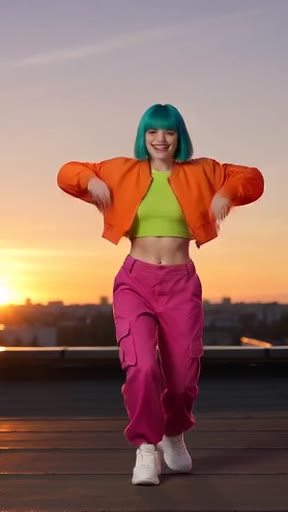
Takes only the dance move, with your character, a new background and music you add.
Clips of about 4, 10 or 15 seconds. The price for your clip’s length is shown before you create.
One or two. For a clip with two people you add a Left and a Right picture.
It keeps the clip’s movement, background and sound, and replaces only the character or characters. You can add a short instruction to change the background or the outfit, and add your own audio to replace the sound afterwards (it is not lip-synced). It does not change the motion: for a new dance move, use Dance Motion.
Yes. Character Swap works with real people as well as illustrated and 3D characters. A clear, front-facing head-and-shoulders photo gives the best likeness; add a full-body picture as well if you want the outfit to carry over. It swaps in your picture and keeps everything else about the clip.
Yes. The swapped video keeps the sound of your original clip.
A preset scene from this page, or a clip you upload to your Studio project or already have in it.
Reading this page is free. Each swap shows its price before you start, and nothing is charged until you press Create.
You can read this page signed out. Making anything needs a signed-in E-Labs account with balance.
Character Swap keeps your clip’s movement, background and sound and changes who is in it. Dance Motion makes a new silent video of your character performing a library move. See how to make a photo dance.