Video
AI dance video maker: make a photo or character dance
Dance Motion takes the moves from a guide video and your character follows their style and timing. Choose a picture, pick a move from the library or from your own clip, and get a short silent video.
Reading this page is free. Every generation shows its price before you start.
K-pop solo and group
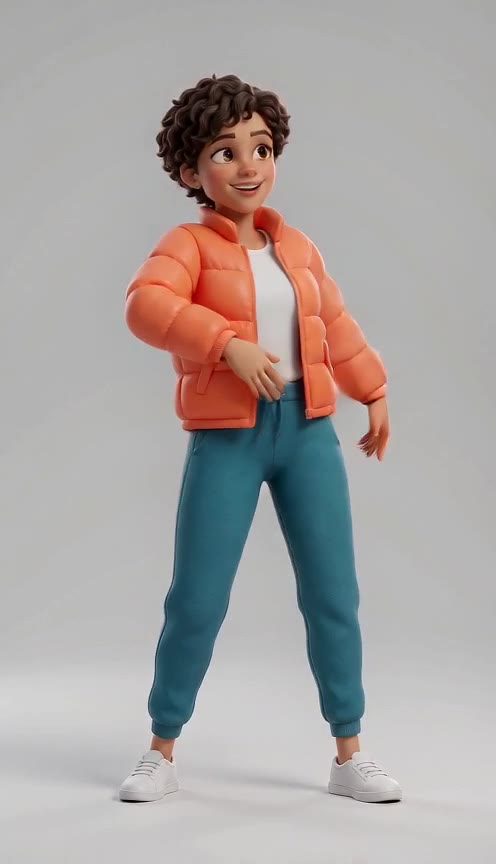
The same routine, one dancer or seven. Give it your character (or one picture with seven characters). Hover a card to play it.
 Video
 Video
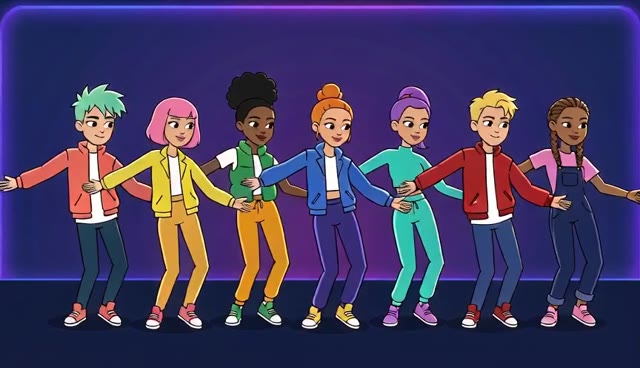
K-pop group of seven
Seven characters in a row, dancing in unison.
Dance Motion presets
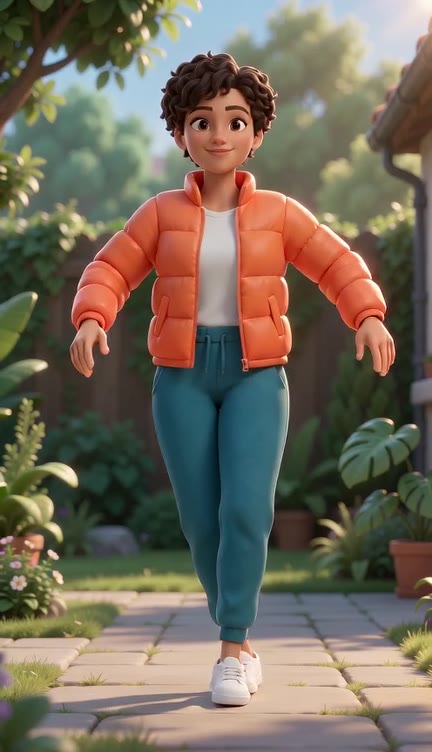
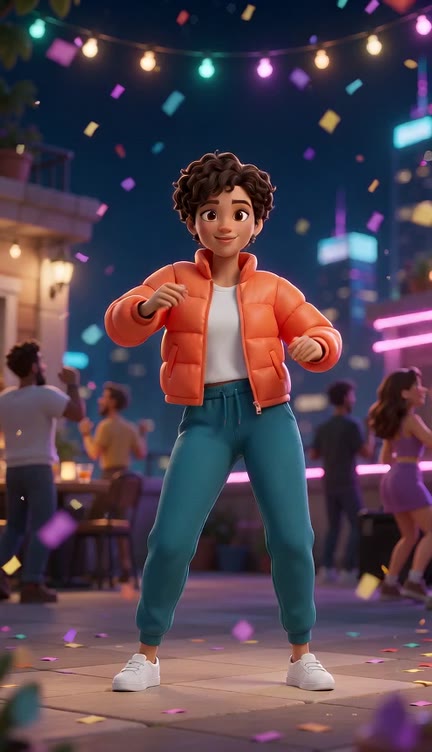
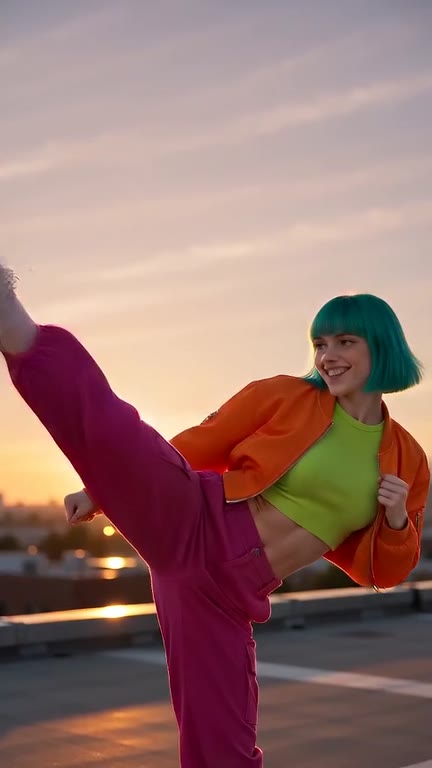
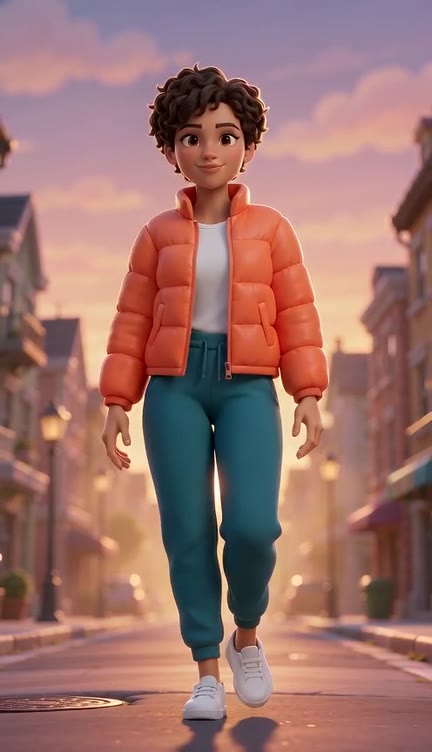
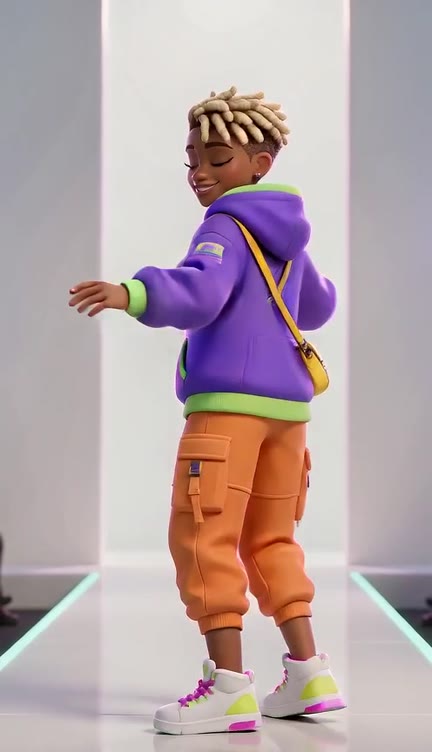
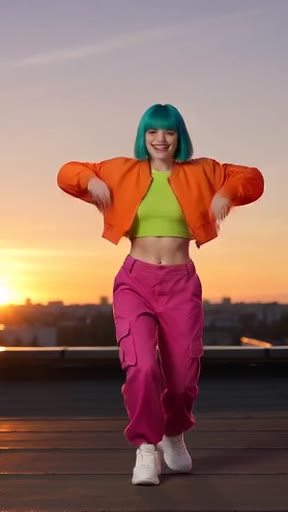
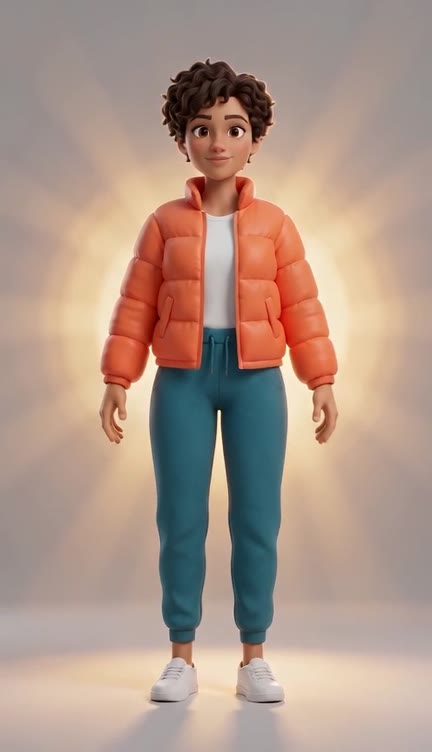
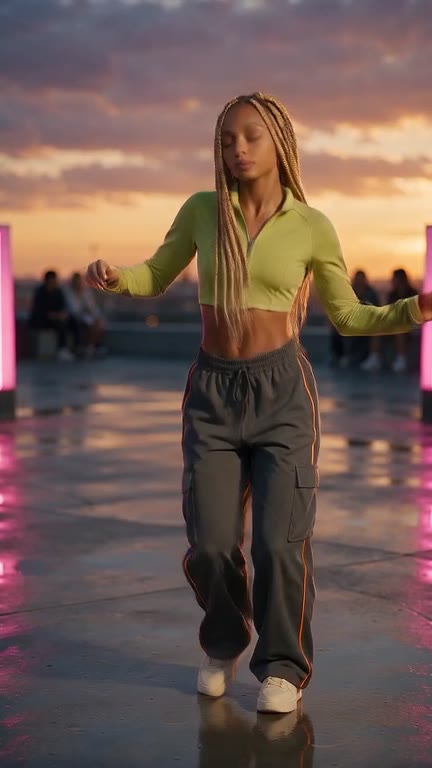
Each preset picks a move and a scene idea; you choose the character. Where a preset uses the closest move in the library, it is a rough fit for that style, not the exact dance.
 Video
 Video
 Video
 Video
 Video
 Video
 Video
 Video
Kick-and-Step Groove
A wide stance, a lean and a sharp kick, arms swinging, one arm up at the end.
AvailableUse preset Kick-and-Step Groove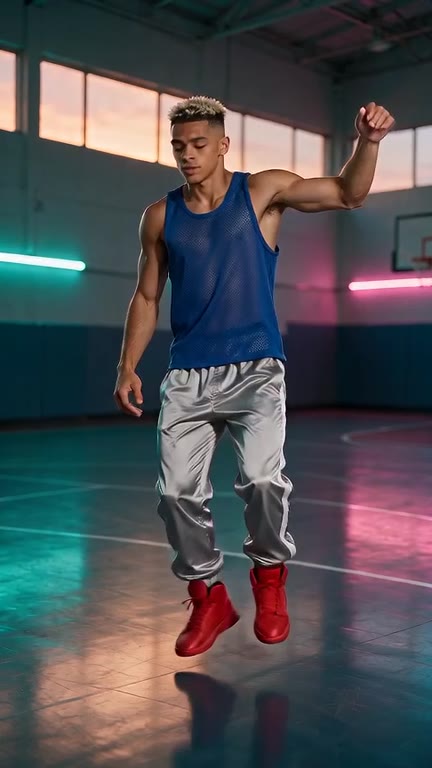 Video
Hop-and-Swing Groove
Light hops and one-leg lifts with a wide arm swing.
AvailableUse preset Hop-and-Swing Groove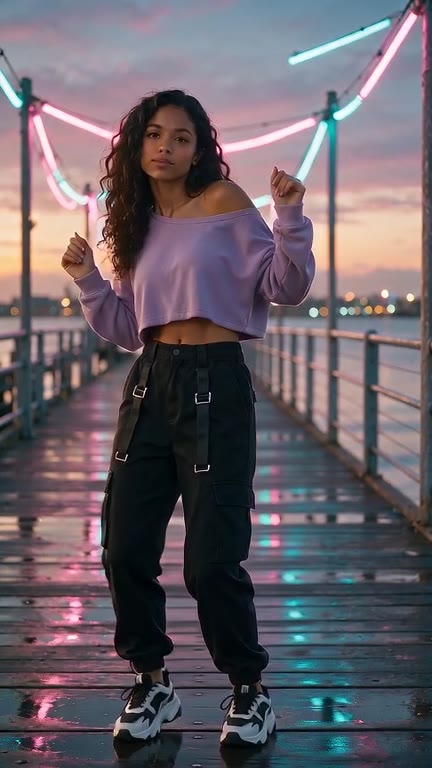 Video
Shoulder-Roll Sway
A slow groove of shoulder rolls, hip sway and wrist flicks.
AvailableUse preset Shoulder-Roll Sway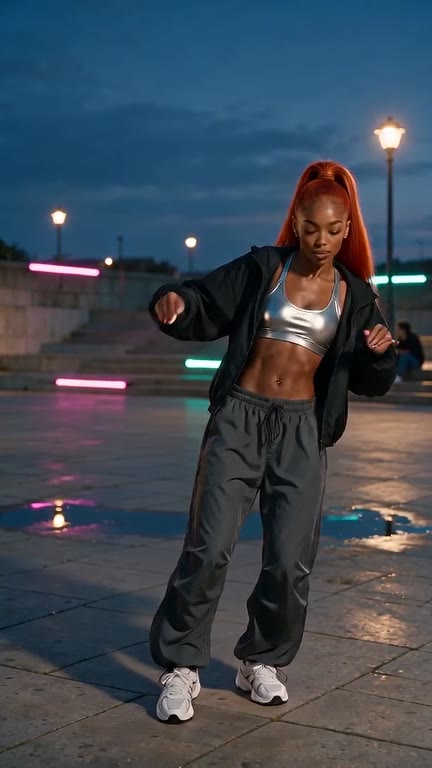 Video
Low Shuffle Footwork
Fast kicks and shuffles in a low stance, with a crouch and a lean.
AvailableUse preset Low Shuffle Footwork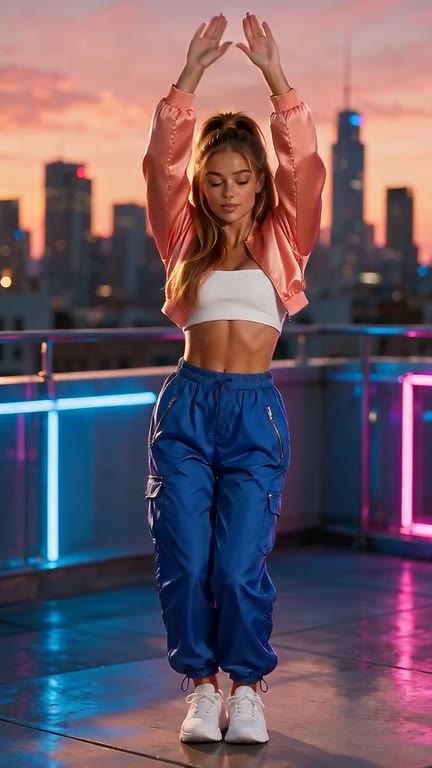 Video
Office Shirt Stomp Groove
A crouching stomp, both arms thrown up high, then arms spread wide into a lean.
AvailableUse preset Office Shirt Stomp Groove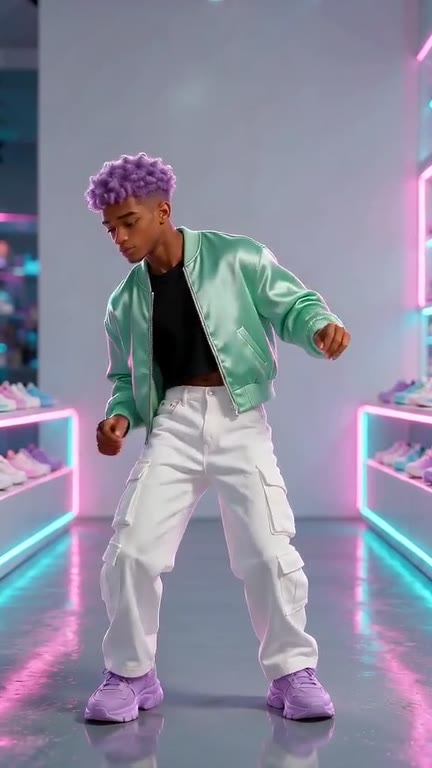 Video
Helmet Shop Stomp
Arms-up lock, wide-stance stomp and a big lean-and-reach.
AvailableUse preset Helmet Shop Stomp
Moves in the library
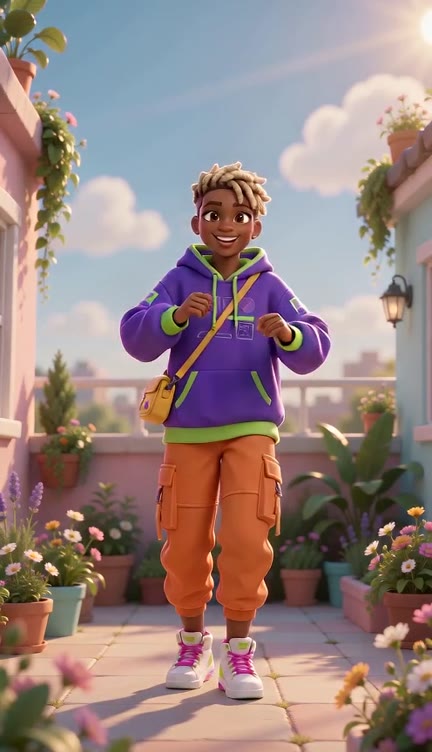
Each move is a few seconds of full-body motion. Here is what a character did with some of them. Hover a card to play it.
 Video
Arm-swing sway
Standing groove: arms swing across the body, open wide, then a small rise.
2 s moveUse this move Arm-swing sway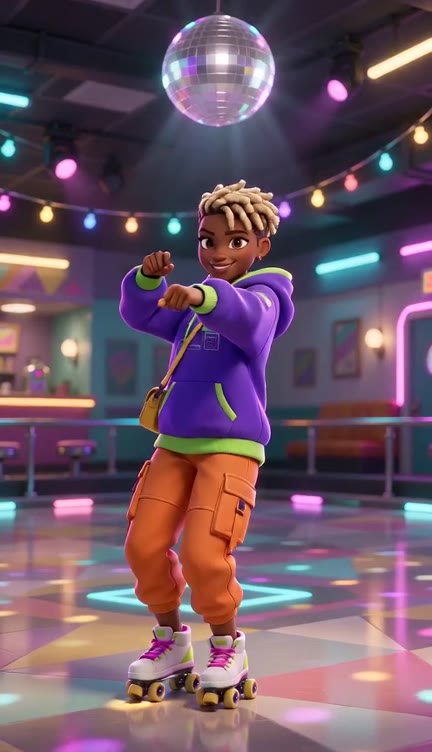 Video
Point & cross-step
Arm extended in a long point, lunge, wave, legs cross-step while pointing again.
4 s moveUse this move Point & cross-step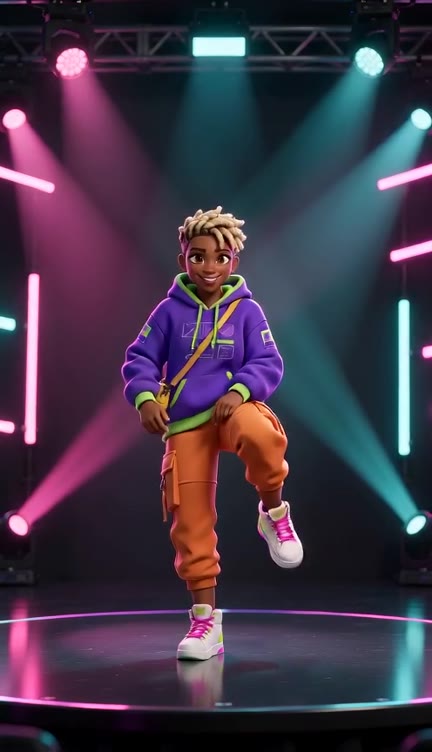 Video
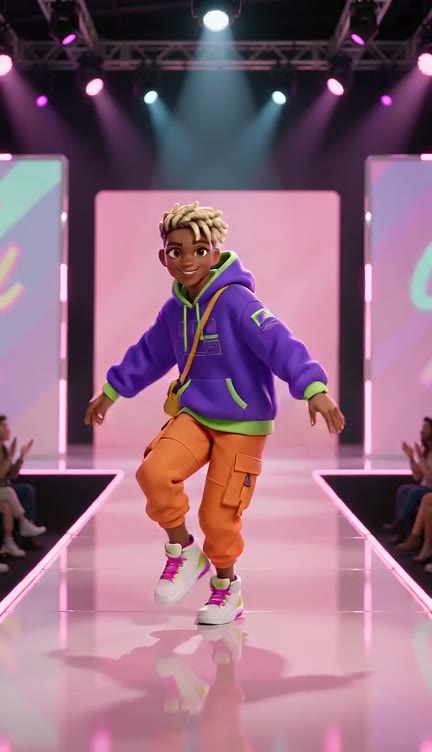
Arm sweep + side kick
One arm sweeps out wide, then a side/back kick and a knee lift.
 Video
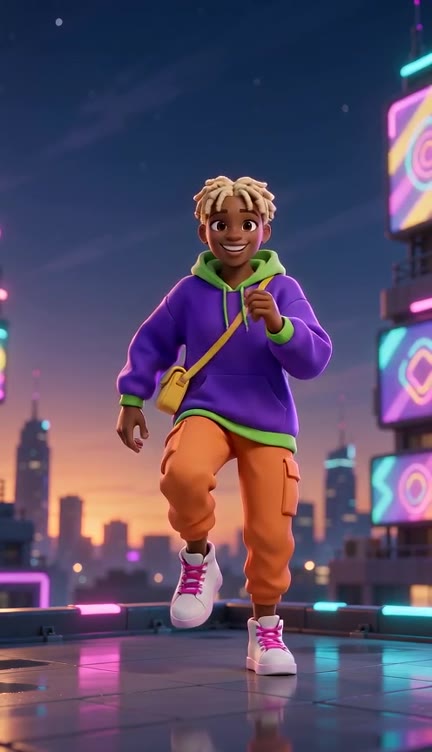
Open arms + quarter turn
Arms open wide twice, knee hooks in, body turns side-on, cross-step back to front.
 Video
Jersey knee-pop
Bouncy knee pops, arms pumping, ending with arms out.
4 s moveUse this move Jersey knee-pop
Dance as a group
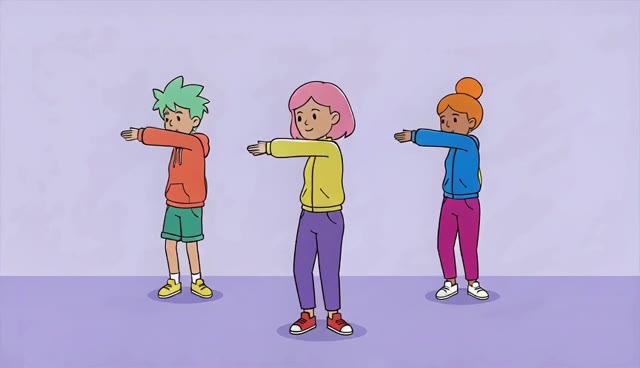
Pick a group formation, then give it one picture with that many characters standing where the figures are. Everyone dances their own figure. Illustrated or stylised characters have worked reliably; give each dancer a different outfit. Hover a card to play it.
 Video
Trio, triangle
Three characters in a triangle, each following their own figure.
3 dancersUse this formation Trio, triangle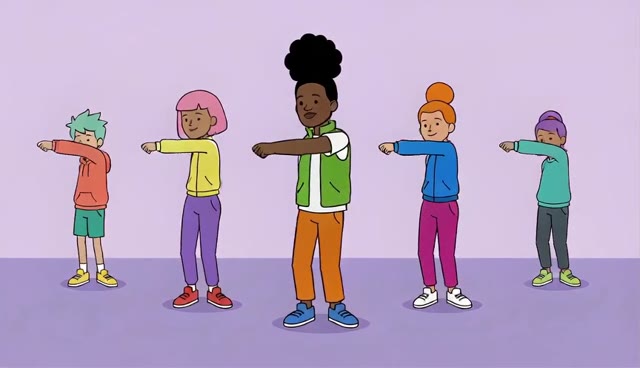 Video
Five, V formation
Five characters in a V, one routine for all.
5 dancersUse this formation Five, V formation
How it works in E-Labs
Pick a move
Choose a move from the library, or use a short clip of your own. The move is read as a simple stick figure, so your character follows its style and timing rather than copying it exactly.
Open the move libraryPick your character
Illustrated, 3D and stylised character pictures work well, and “Create your character” in the Dance Motion panel makes a character picture for you. If the model declines a picture, try a different one. Pictures of real people are not supported in Dance Motion: to put a real person into an existing clip, use Character Swap. Describe the scene and the price shows before anything runs.
Try itWant to keep your own video?
Character Swap keeps your clip, the place and the sound, and replaces the person in it with your character. Dance Motion instead makes a brand-new video of your character performing a move.
About Character SwapThree steps
- Step 1
Open Dance Motion
The button above opens Studio on the move library. Sign in if asked.
- Step 2
Choose character and move
Pick a character picture and a move of 2 to 8 seconds, then describe the scene. The price is shown.
- Step 3
Make and share
Your video is saved to your private Gallery. Download it or publish it to AuroFlix.
Questions
What does it cost?
Reading pages and planning are free. Each generation shows its price first and nothing is charged until you start.
Do I need an account?
You can read this page signed out. Making anything needs a signed-in E-Labs account with balance.
Does it copy the moves exactly?
No. The moves come from a stick-figure video and your character follows their style and timing. The result is a new video, so details can differ from the moves.
Can I use a photo of a real person?
Not in Dance Motion. It works best with illustrated, 3D and stylised characters, and pictures of real people were declined in our tests. To put a real person into a clip, use Character Swap, which keeps the clip’s movement, background and sound and swaps in your picture.
Does the video have sound?
No. Dance Motion makes a short silent video. To keep the sound of your own clip, use Character Swap.
Where does my video go?
Results are saved privately to your account until you choose to publish them.